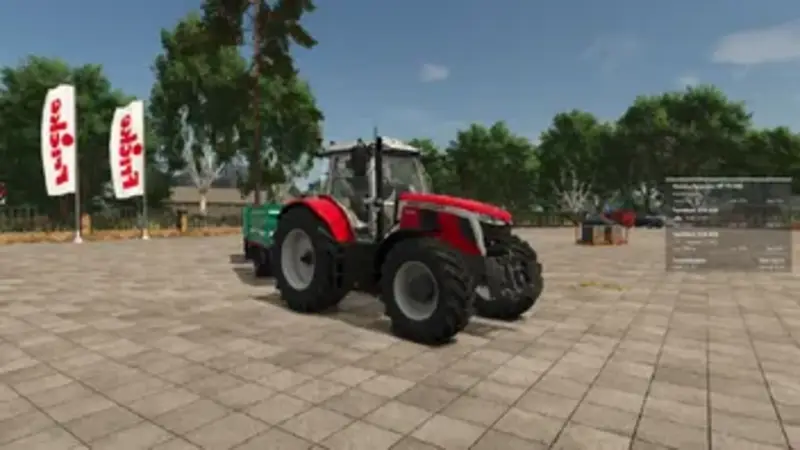
The SmartWeight HUD adds a clear and compact weight display directly to your screen. The towing vehicle, every attached trailer, and the entire vehicle combination are shown individually with empty weight, cargo weight, and total weight.
Features:
- Separate display for the towing vehicle and each attached trailer including empty weight, cargo weight, and total weight
- Calculation of the total weight for the complete vehicle combination
- Detection of various fill types and mixed loads with matching fill-type icons
- Support for pallets, bales, and other objects secured with tension belts
- Front attachments are added to the towing vehicle
- Support for tank, water, fuel, and service trailers
- Automatic truncation of long vehicle names
Smart Weight Warning:
- Green – vehicle combination without load
- White – weight within normal range
- Red – warning range from 35 tons
- Dark red with warning icon – total weight above 40 tons
Fully customizable: HUD size, font size, width, background transparency, nine screen positions, and five color schemes (blue, green, orange, red, grey). All settings are saved automatically and can be reset to defaults at any time.
Key bindings: Left Ctrl + Left Shift + W toggles the HUD on/off, Left Ctrl + Left Shift + S opens the settings menu. Bindings can be changed in the game settings.
The mod does not modify vehicles or their driving behavior – it simply reads existing vehicle and load data and presents it in a clean modern HUD. Multiplayer support is being publicly tested.
Comments
You must be logged in to comment.
No comments yet.